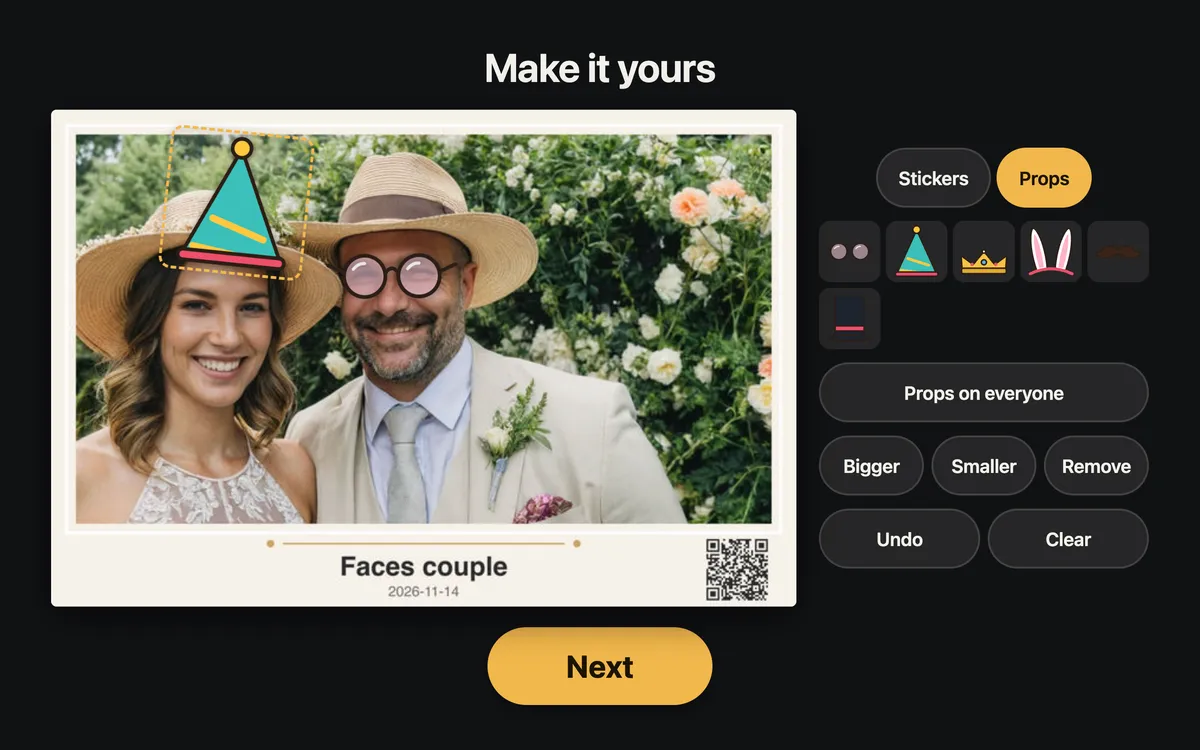
Prints they want to keep
2x6 strips and 4x6 prints, with stickers, props and finger drawing before they print.
 PictureKite
Get early access
Run every event from one Windows app, from the first pose to the print and the QR code.
Get early access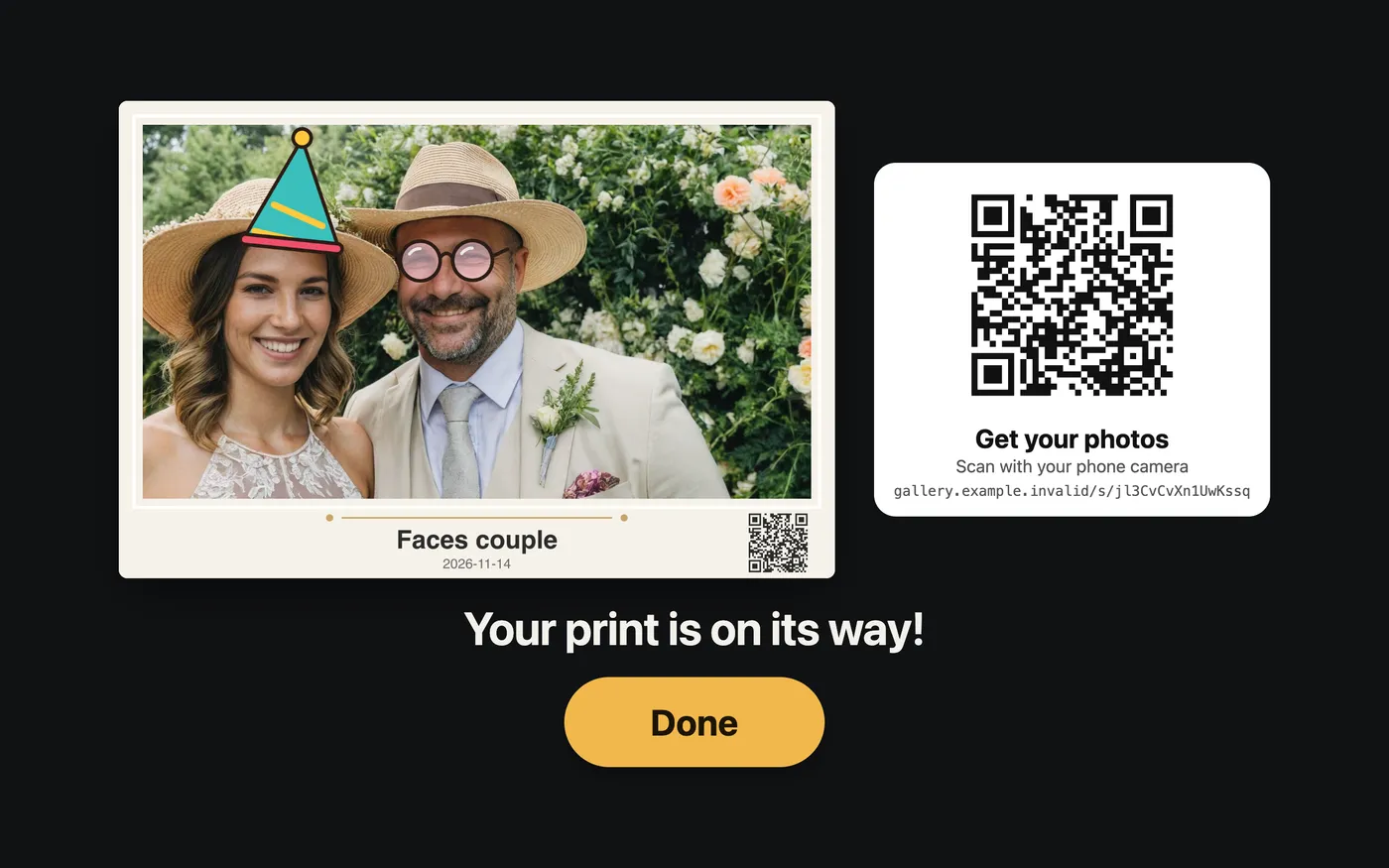
2x6 strips and 4x6 prints, with stickers, props and finger drawing before they print.
GIFs, boomerangs, video with sound and slow-mo, framed in your event's design.
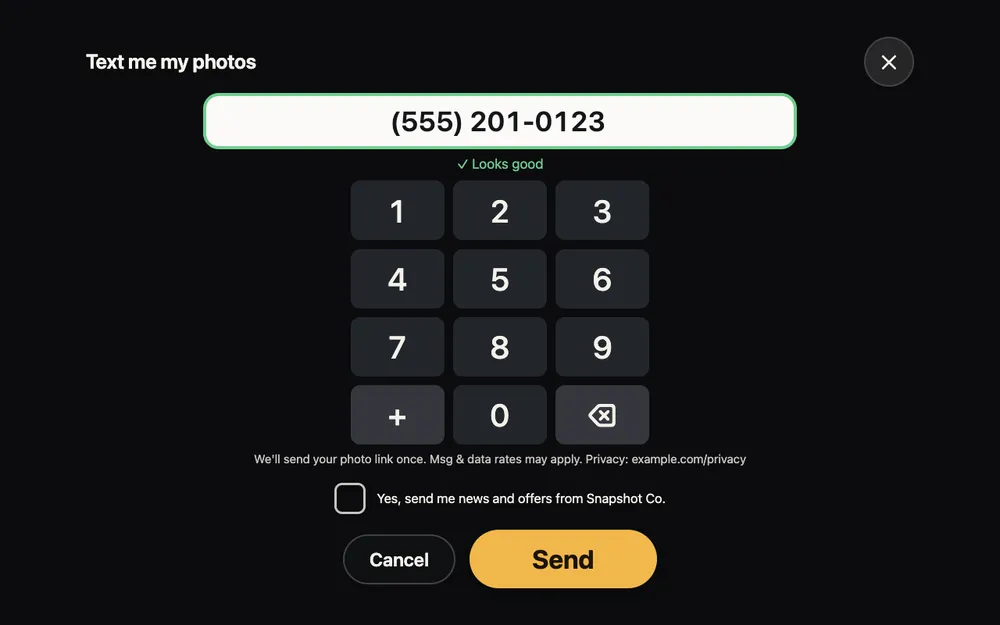
QR code, text or email, with an online gallery for the whole event.
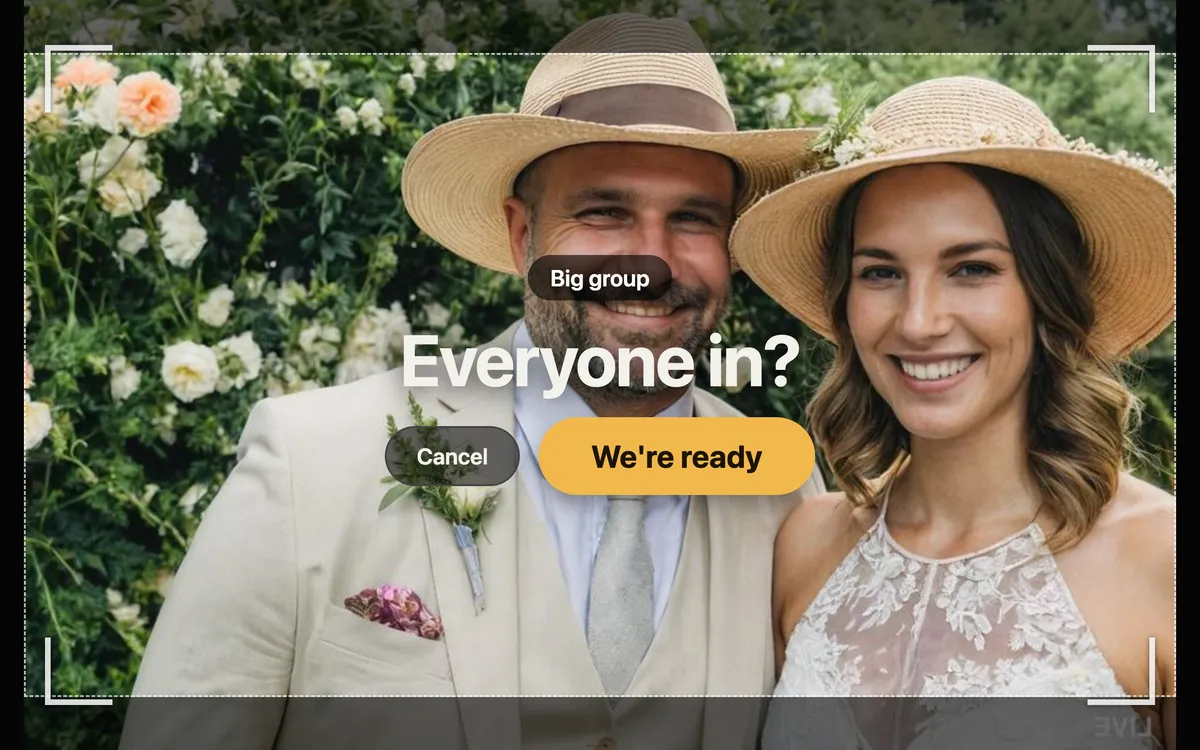
The booth checks everyone is in before it shoots, then flags closed eyes so guests can retake.
Chroma-key green screen, or AI background removal that runs on the booth PC with no green screen at all.
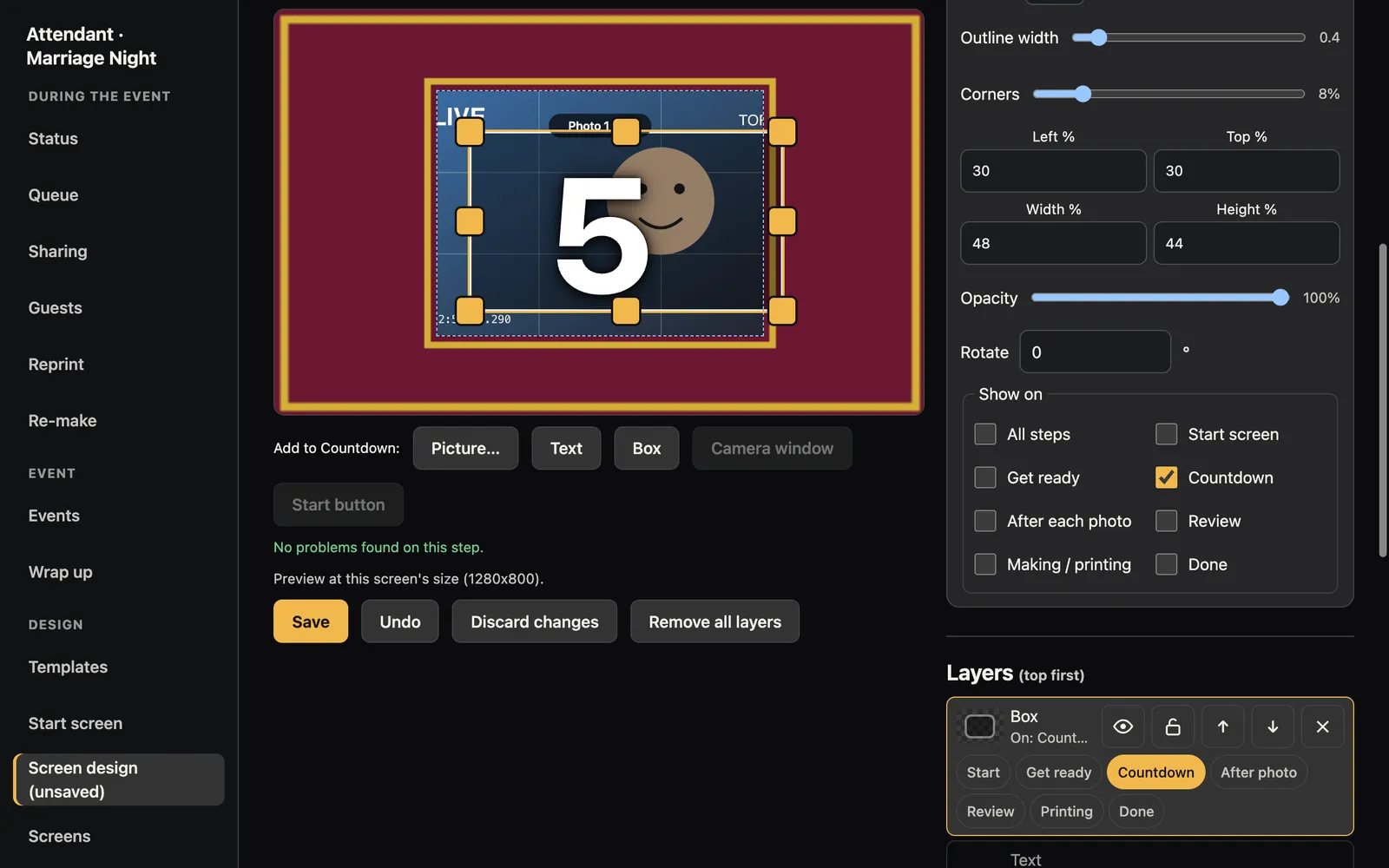
Drop in a PNG with transparent or outlined photo boxes and PictureKite maps the slots automatically. Coming from Darkroom Booth? Import your templates and screens.
Every photo is written to disk before anything else, with an optional second drive.
If the app stops, it restarts and picks the guest's session back up.
Uploads and messages wait in a queue and send when the internet returns.
Print jobs can move to a second printer when the first one fails.
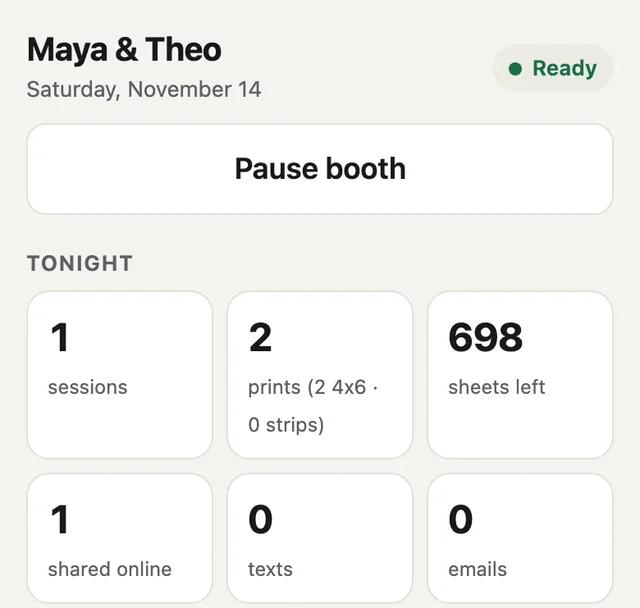
Pair your phone to check prints left and pause the booth while you walk the room. Add a slideshow on a TV or a sharing station on a tablet.
Hardware: runs on Windows and is being tested with a Canon SL2/200D and a DNP DS-RX1HS printer.
Tell us what camera and printer you run, and we'll be in touch.
Get early access